


Does this scenario sound familiar? You started with a simple spreadsheet that became your command center. Today, that same file has dozens of tabs, hundreds of formulas, and takes ages to open. There are five different versions of the same report circulating via email, and you’re silently praying that no one accidentally deletes a critical formula. Frustrating, right? Don’t worry - you’re not alone. Many growing companies reach a point where Excel, once a helpful tool, becomes a bottleneck to growth. It’s a natural stage in business evolution. The question is: how do you recognize this moment, and what should you do next? In this article, we’ll walk you through 5 key signs that it’s time to move to a custom application.
Sign 1: You spend more time fixing errors than analyzing data
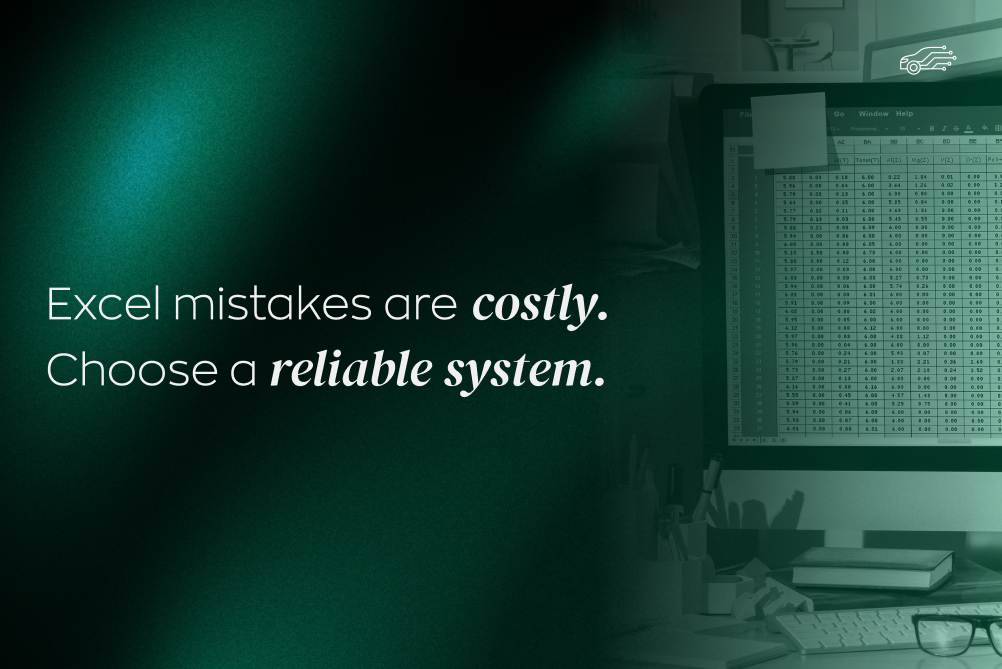
Anyone who works with Excel knows the pain: #REF!, #VALUE!, or worse, a silent formula error that skews results for weeks. At first, it’s minor mistakes. But as your data grows and more people work on the file, the risk of errors increases exponentially. Manual data copying, complex links between sheets, and human fatigue are a recipe for disaster. You end up spending more time hunting for mistakes than analyzing data.
At a certain point, Excel is like an old, worn-out car - the more you use it, the more things break and require costly fixes. A custom application, with built-in data validation and automation, minimizes human error and allows you to focus on what truly matters.
Sign 2: Data is scattered and hard to control
How often have you searched for the right file among dozens of emails titled something like Report_final_v2_corrected_final.xlsx? When company data lives in multiple files, across different computers, and in email inboxes, chaos is inevitable. This not only leads to working with outdated information but also creates significant security gaps. Excel files can be easily copied, shared, or taken outside the company without any control.
A custom application acts as a central vault for your data. Everyone works on a single, always-up-to-date version, giving you confidence that the information is consistent and secure. This is a fundamental shift from scattered chaos to an organized, central knowledge base.
Sign 3: Scalability and performance issues arise
Your business is growing, you’re hiring new people, serving more clients - that’s great news! Unfortunately, for Excel, this is the beginning of the end. Spreadsheets with hundreds of thousands of rows take forever to open, and every formula change can freeze the program. When multiple people try to work on the same file simultaneously (even in the cloud), version conflicts and data loss are common.
It’s important to understand that Excel wasn’t designed to handle complex processes in rapidly growing companies. Custom applications are built on robust databases that easily manage large volumes of information and simultaneous user activity, ensuring smooth performance regardless of scale.
Sign 4: You lack control over data access and versions
Imagine your company’s financial data being accessible to anyone with access to the company drive - or a new employee accidentally deleting customer data from the last quarter. Excel has very limited permission management. Usually, someone either has full access to the file or none at all. There are no mechanisms to precisely define who can view, edit, or delete data.
It’s like leaving the doors of your company safe wide open. Custom software solves this problem by offering advanced role and permission management. You can define exactly what each user can do in the system, and every change is tracked in a history log. This gives you complete control and security.
Sign 5: Manual work is blocking company growth
Are employees spending hours manually transferring data from one system to another? Are recurring reports a multi-hour, repetitive process? This is a clear sign of missing automation. Excel has limited integration capabilities with other tools like CRM, accounting systems, or e-commerce platforms. This manual, repetitive work is not only tedious and error-prone - it’s a cost that adds no value.
A custom application is not just convenient - it’s a real competitive advantage. By automating processes, you free up your employees’ time to focus on business growth, customer service, or innovation. System integration ensures that data flows automatically throughout the company, maintaining consistency and efficiency.
How to safely transition to a new solution
Feeling uncertain about such a big change is natural. Success, however, depends on good preparation. To avoid chaos, approach the process methodically:
- Analyze your needs. Clearly define which processes you want to improve and what problems the new application should solve.
- Choose the right partner. Find an implementation company or software house that understands your business needs.
- Design the solution. Actively participate in the application design to ensure it fits your company perfectly.
- Plan implementation and data migration. Make sure transferring data from Excel is smooth and secure.
- Engage and train your team. Employee adoption is key. Show them the benefits and provide solid training.
Remember, change is an opportunity for growth, not a threat. A well-planned implementation can become a milestone in your organization’s development.
If your company struggles with errors, file chaos, performance issues, security gaps, and frustration from repetitive manual tasks, it’s a sign that it’s time to change. Moving to a custom application is a strategic investment in efficiency, security, and future growth.
Don’t wait until Excel becomes a real bottleneck for your company’s development. Take the first step today - analyze your processes and assess whether your current tool still supports your business or is holding it back.
.jpg)

.png)


.png)

.jpg)
.jpg)
.jpg)
.jpg)
.jpg)

.jpg)
.jpg)
.jpg)
.jpg)
.jpg)
.jpg)
.jpg)
.jpg)
.jpg)

.jpg)

.jpg)
.jpg)
.jpg)
.jpg)
.jpg)
.jpg)
.jpg)
.jpg)
.jpg)
.jpg)
.jpg)

.jpg)
.jpg)
.jpg)
.jpg)
.jpg)
.jpg)
.jpg)
.jpg)
.jpg)
.jpg)
.jpg)



.png)

.jpg)
.jpg)
.jpg)
.jpg)

.jpg)
.jpg)
.jpg)
.jpg)
.jpg)
.jpg)

.jpg)
.jpg)
.jpg)
.jpg)
.jpg)
.jpg)
.jpg)
.jpg)
.jpg)
.jpg)


.jpg)
.jpg)
.jpg)

.jpg)

.jpg)


.jpg)
.jpg)
.jpg)
.jpg)

.jpg)